
Slapping WITH (NOLOCK) on your query seems to make it go faster – but what’s the drawback? Let’s take a look.
We’ll start with the free StackOverflow.com public database – any one of them will do, even the 10GB mini one – and run this query:
Transact-SQL
12 | UPDATE dbo.UsersSET WebsiteUrl = 'https://www.brentozar.com/'; |
We’re just setting everyone’s web page to ours. Then in a separate window, while that update is running, run this:
Transact-SQL
12 | SELECT COUNT(*) FROM dbo.Users WITH (NOLOCK);GO 20 |
The results? A picture is worth a thousand words:

WITH (NOLOCK, NOACCURACY)
Sure, we’re running an update on the Users table, but we’re not actually changing how many users are in the database. However, because of the way NOLOCK works internally, we keep getting different user counts every time we run the query!
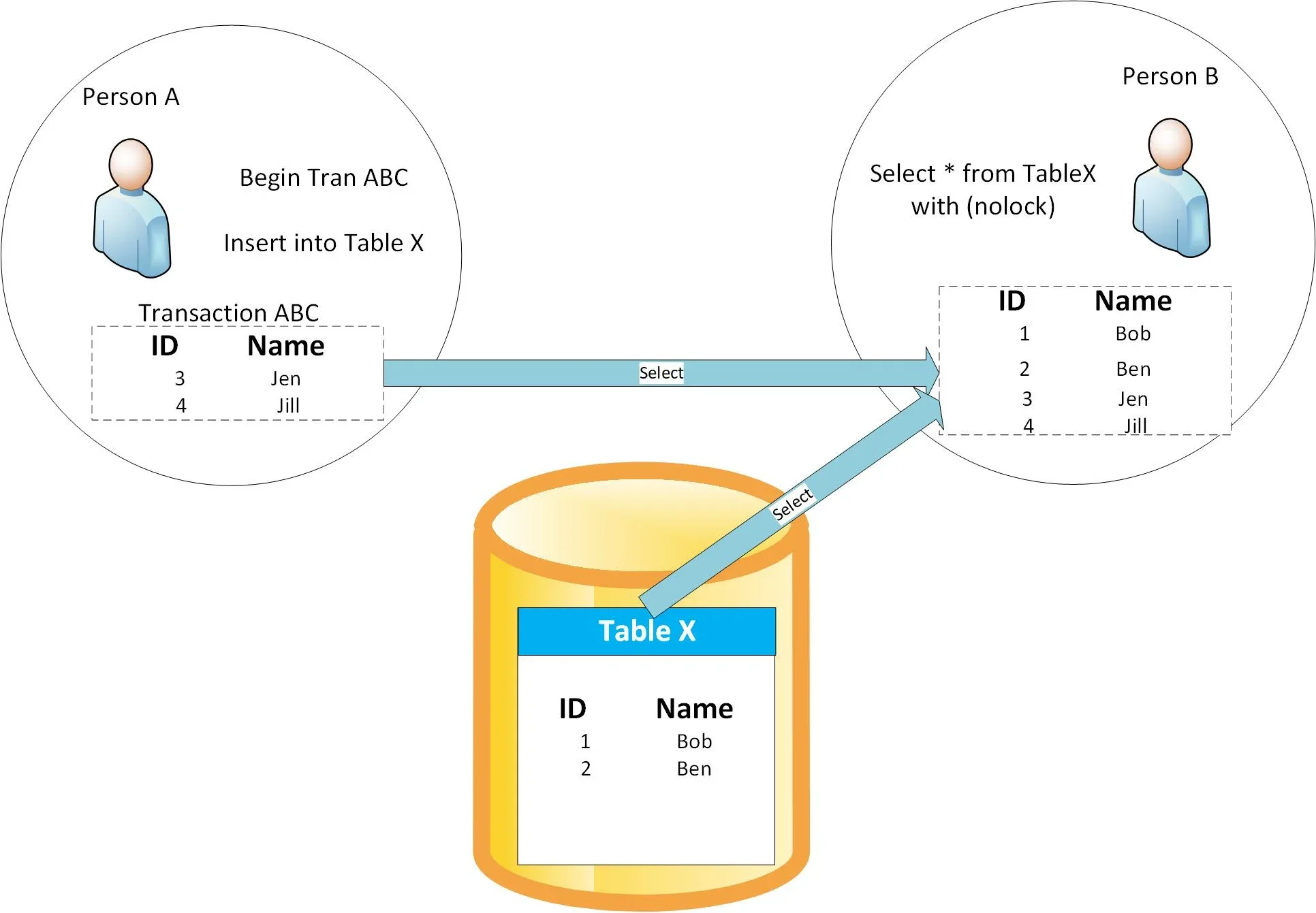
That’s…that’s not good. But it’s exactly as designed. When you use dirty reads, also known as READ UNCOMMITTED isolation level, your query can produce incorrect results a few different ways:
You can see rows twice
You can skip rows altogether
You can see data that was never committed
Your query can outright fail with an error, “could not continue scan with nolock due to data movement”
Fortunately, there are plenty of easy fixes like:
Create an index on the table (any single-field index would have worked fine in this particular example, giving SQL Server a narrower copy of the table to scan)
Use a more appropriate isolation level – like, say, Read Committed Snapshot Isolation
Remove the NOLOCK hint from the query – although you can end up with blocking, so you have to resort to tuning indexes & queries
Oh, and if you try this demo yourself, be aware that it’ll only work the first time. If you want to rerun it, you’ll have to use progressively wider values for WebsiteUrl. If you’ve watched How to Think Like the Engine, I bet you’ll understand why.