
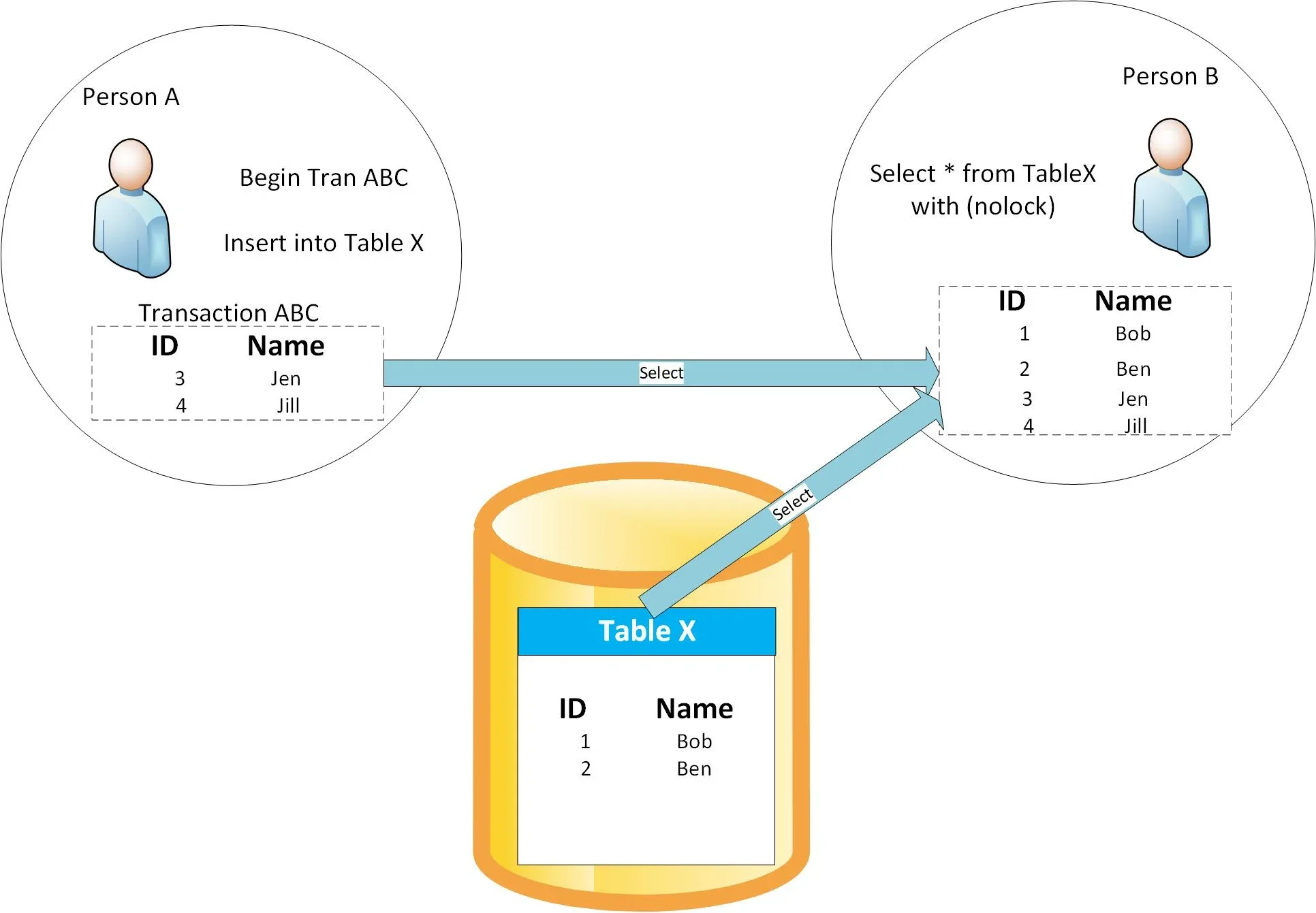
I’ve already covered how NOLOCK gives you random results when you’re querying data that’s changing, and that’s a really powerful demo to show folks who think NOLOCK is safe to use in production. However, I’ve gotten a question from several users:
But I’m querying data that isn’t changing – sure, OTHER rows in the table are changing, but not the rows I’m querying. Isn’t NOLOCK okay if I’m querying stable rows?
Nope, not even close. Get any Stack Overflow database, and start with the query from the last post – except this time we’ll modify it so that we’re updating some of the users, and querying others. Start by dropping your indexes just so you get consistent results:
1 | EXEC DropIndexes; |
One of the more common DisplayNames is Alex. In one window, I’ll get a count of the number of Alexes:
Transact-SQL
1234 | SELECT COUNT(*) FROM dbo.Users WITH (NOLOCK)WHERE DisplayName = 'alex';GO 20 |
And in the other window, I’m going to set everyone’s location and website – EXCEPT the Alexes, who I’m not going to touch:
Transact-SQL
123456 | BEGIN TRANUPDATE dbo.Users SET Location = N'The Derek Zoolander School for Kids Who Can''t Read Good and Want to Do Other Stuff Good Too', WebsiteUrl = N'https://www.youtube.com/watch?v=NQ-8IuUkJJc' WHERE DisplayName <> 'alex';GO |
Watch disaster unfurl:
NOLOCK Gives You Random Results.
The number of users named Alex appears to keep changing – EVEN THOUGH I’M NOT UPDATING THOSE ROWS! The reason: the location of Alex’s rows may be moved around by things that are happening to other rows.
I can’t emphasize this enough: with NOLOCK, you can:
See rows twice
Skip rows altogether
See data that was never committed
And have your query fail with an error
If you’re cool with that, great – NOLOCK is for you. If not, it’s time to consider other ways to get the performance you want while still getting the data accuracy that your users require.
If you want to rerun the demo repeatedly, you’ll need to rebuild the table between passes:
1 | ALTER TABLE dbo.Users REBUILD; |